Verifiable, not just promised
"No cloud" should be
a checkable claim.
Most password managers ask you to trust them. Bitcoffer hands you the checks instead: read the shipped app's entitlements, list the frameworks it links, then watch its open sockets while it runs. App Sandbox enforces the boundary — you only have to confirm it holds.
01 / VERIFYNo-cloud, and the app can be checked
App Sandbox is on, and the only network entitlement is the update check's client socket — no server socket, ever. otool -L on the binary lists no third-party network framework; lsof shows no connection while the app sits idle. The in-app Network Self-Certification page hands you those commands verbatim.
02 / MCPAI can use a secret without seeing it
A local MCP server exposes four read-only tools. Secrets are injected into a child process's environment through run_with_secret and never returned to the model context — the agent gets the result, not the value.
03 / NATIVENative macOS, not a wrapper
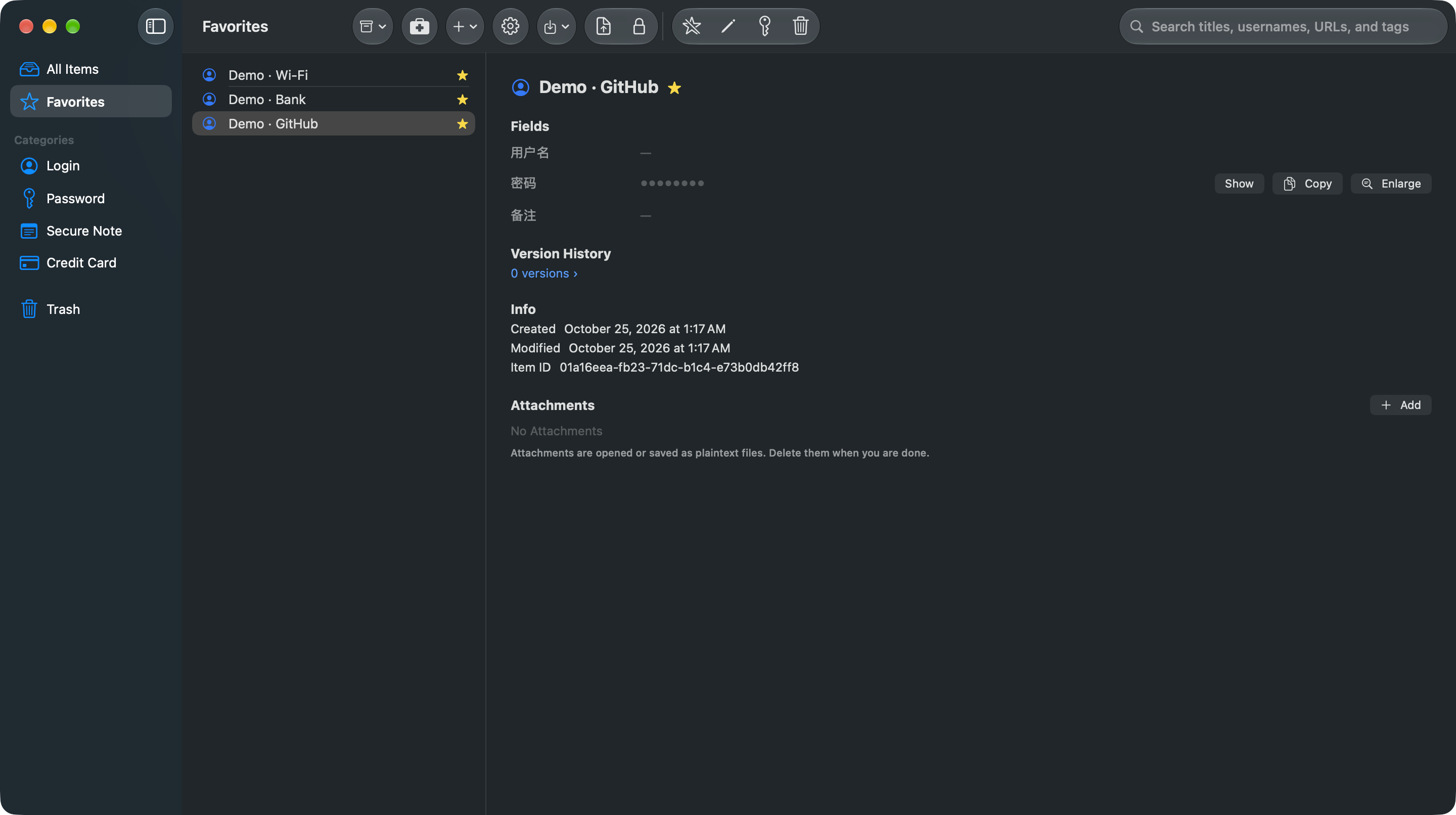
Rust core with a SwiftUI front end, App Sandbox, Touch ID unlock, menu-bar resident, ⌥⌘P global hotkey, English and Simplified Chinese UI.
From import to lock-in-free
Easy to enter, easy to leave.
A password manager shouldn't hold your data hostage to keep you. Bitcoffer keeps the vault local, the formats open, and a door on both sides.
01 · ImportBring data in from 1Password (1PUX), CSV or opvault — or start a fresh vault.
02 · UnlockTouch ID or master password. Key material stays in the keychain and memory, never written to disk.
03 · UseMenu bar, global hotkey, or let the local MCP server inject credentials for AI tools.
04 · LeaveExport 1PUX-compatible or CSV, with encrypted backups that have a recovery path.
Licensing
Proprietary software.
Terms you can read.
Bitcoffer is proprietary software. Use of the app is governed by the terms you accept when you download or purchase it; copies from the App Store are licensed under Apple's Standard End User License Agreement as well. This repository is not published under an open-source or source-available licence — no permission is granted to copy, modify or redistribute the source.
Your data stays local
Vault files live on your machine, import and export formats are open, and backups carry a recovery path. Nothing is locked inside Bitcoffer, and no server keeps a copy for you.
Read the privacy policy →What you buy
One purchase, no subscription: $9.99 covers Bitcoffer on your own Macs. Direct downloads follow the terms shown at checkout; App Store copies follow Apple's EULA.
Read the licence →